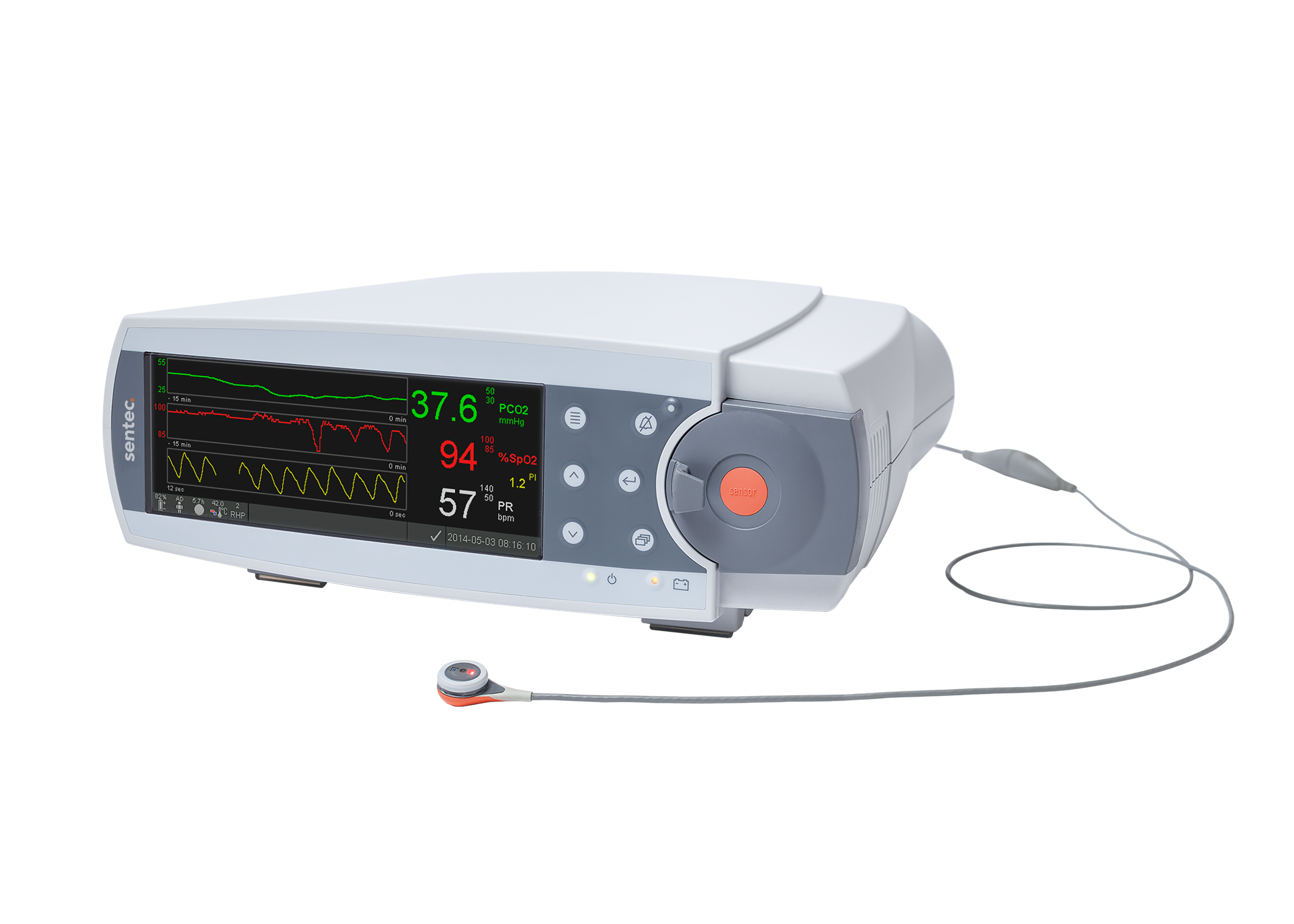
How do I clean the sensor after patient monitoring?

Follow these steps to clean the sensor:

  1. Remove sensor from patient and inspect the skin.
  2. Clean the sensor with a gauze soaked in 70% isopropanol or other approved cleaning agent.
  3. Gently wipe the sensor surface, then clean the sides of the membrane ring.
  4. Avoiding strain on the cable, gently clean the sensor cable from the sensor head to plug.
  5. Visually inspect the sensor and membrane.
  6. Place the sensor in the Docking Station and allow it to calibrate.
  7. Once you see the “Ready for Use” screen on the SDM, you can start a new monitoring session.
Related Posts

  • Training Module

    tCOM+ e-learning modules

    Access tCOM+ e-learning modules to get started with transcutaneous monitoring. Learn device setup, patient monitoring, data review, and more for NICU, ICU, and sleep lab use.

  • Article

    Sensor Problem 12

    Learn how to troubleshoot Sensor Problem 12 on the Sentec Transcutaneous Monitoring System. Follow step-by-step instructions to resolve membrane or electrolyte issues and optimize device performance.

  • Training Module

    V-Stats and Connectivity Expert E-Learning Module

    Transcutaneous CO2 Monitoring E-Learning Module [...]